Upload your room
Choose a photo of the kitchen, bathroom, basement or other space you want to change.
AI renovation previews from your photo
Upload a photo to see renovation ideas in your own space.
Your photo is processed by AI to create your preview. Create an account to save your room and designs.
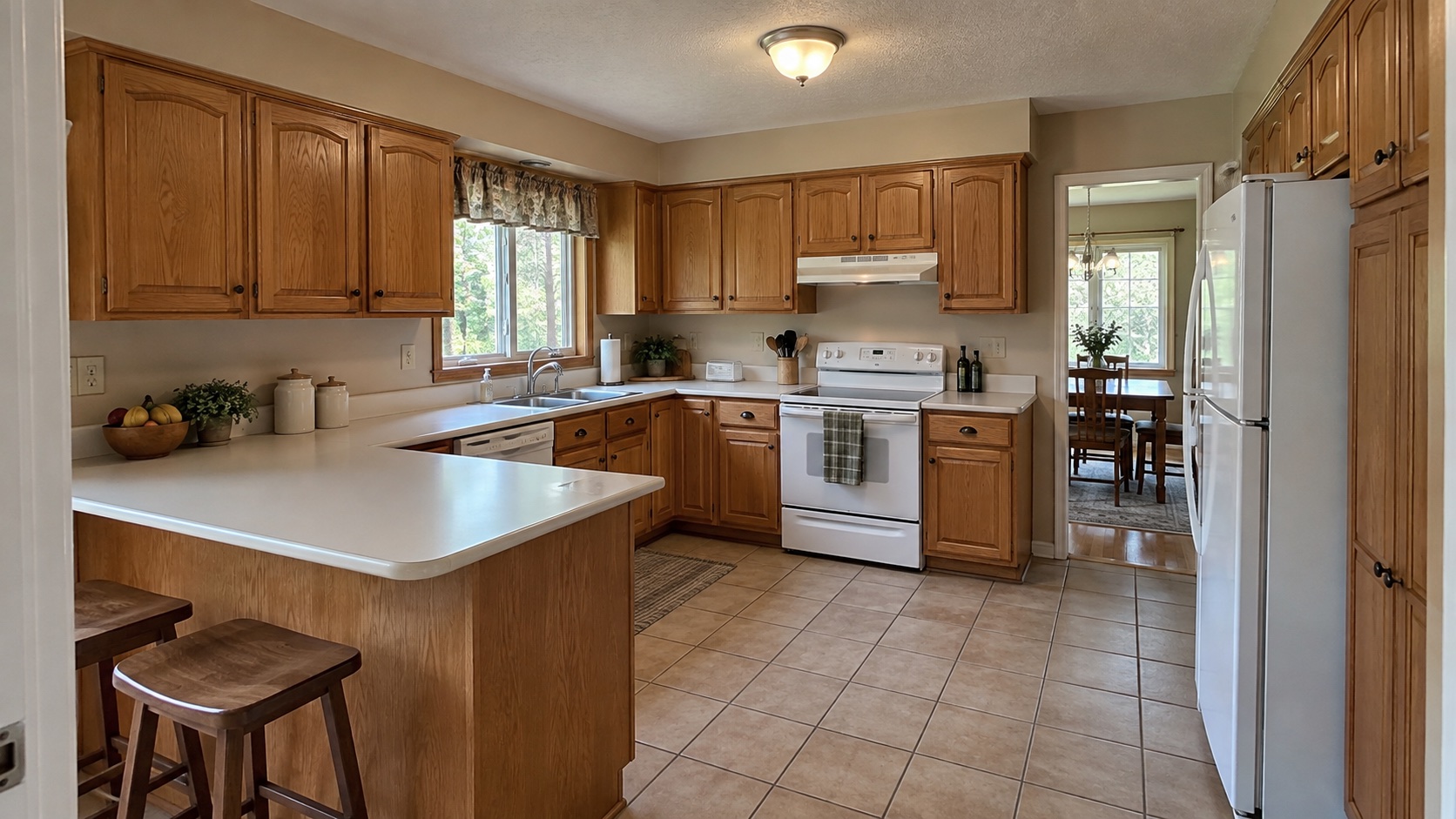 BeforeAfter
Drag the slider to see how this kitchen changed. Then try it with your own photo.
How it works
Try the controls below to explore the studio. Then upload your own photo to create a real preview.
BeforeAfterChoose a photo of the kitchen, bathroom, basement or other space you want to change.
Pick finishes or tell us what you want to change. See a visual preview in your own room.
Create a free account to save your design and explore more versions.
Renovation ideas
Use your own photo to explore flooring, walls, lighting and room updates before making decisions.
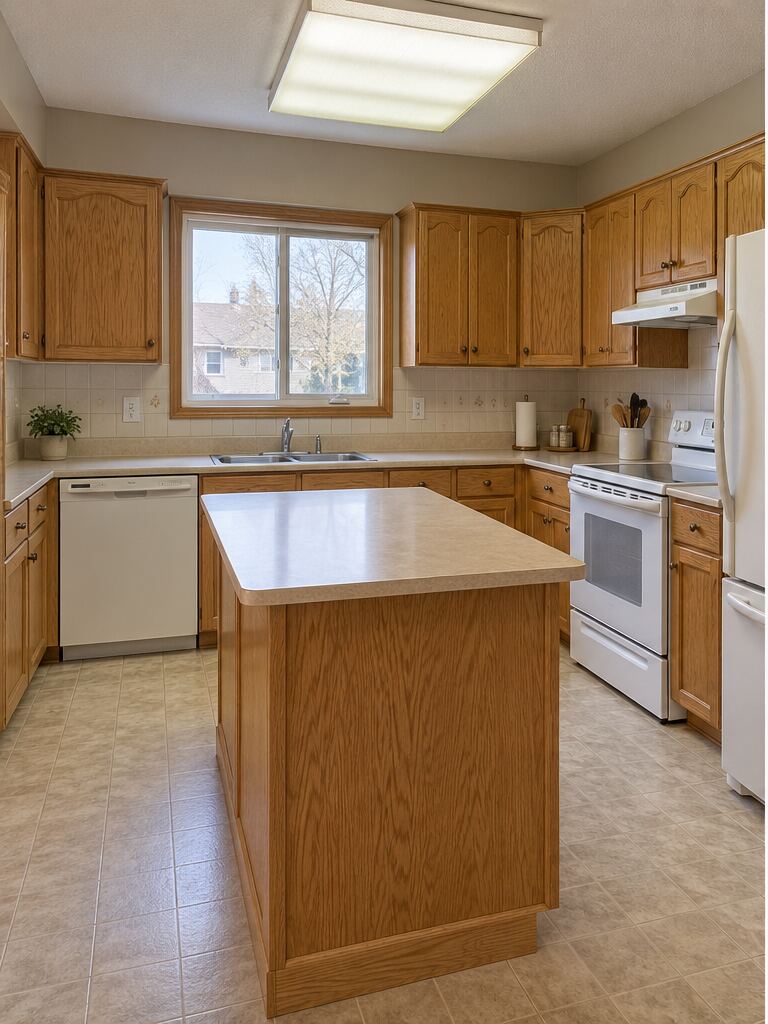 BeforeAfter
Explore new cabinetry, countertops, backsplash and lighting.
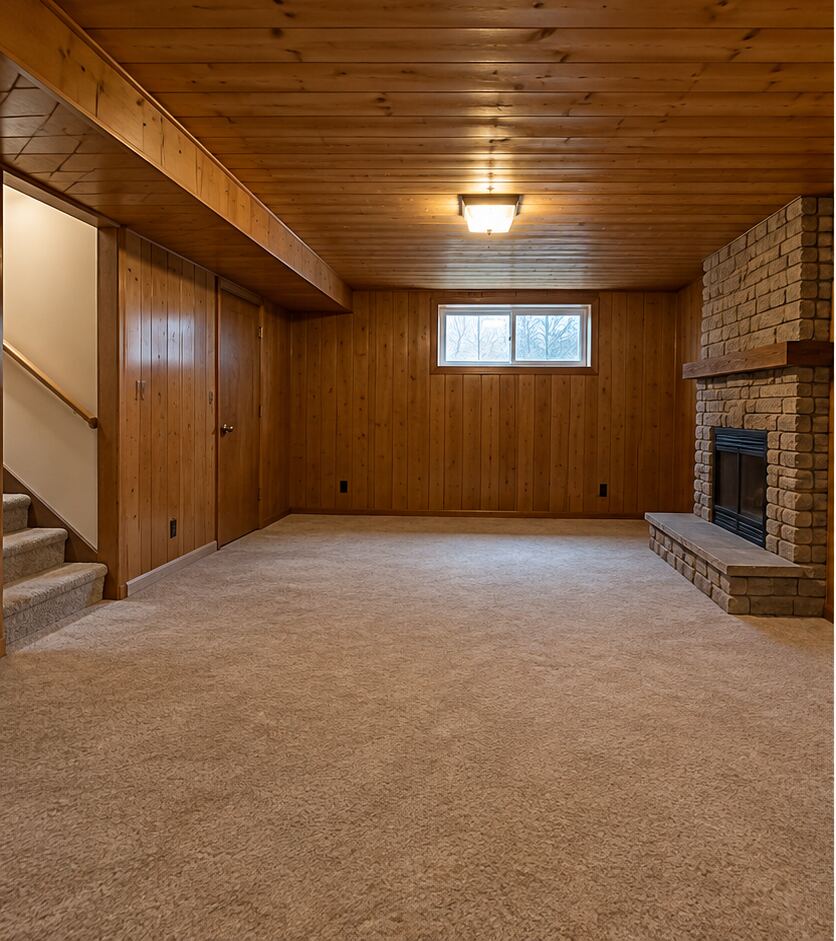 BeforeAfter
See how flooring, walls and lighting can change a basement.
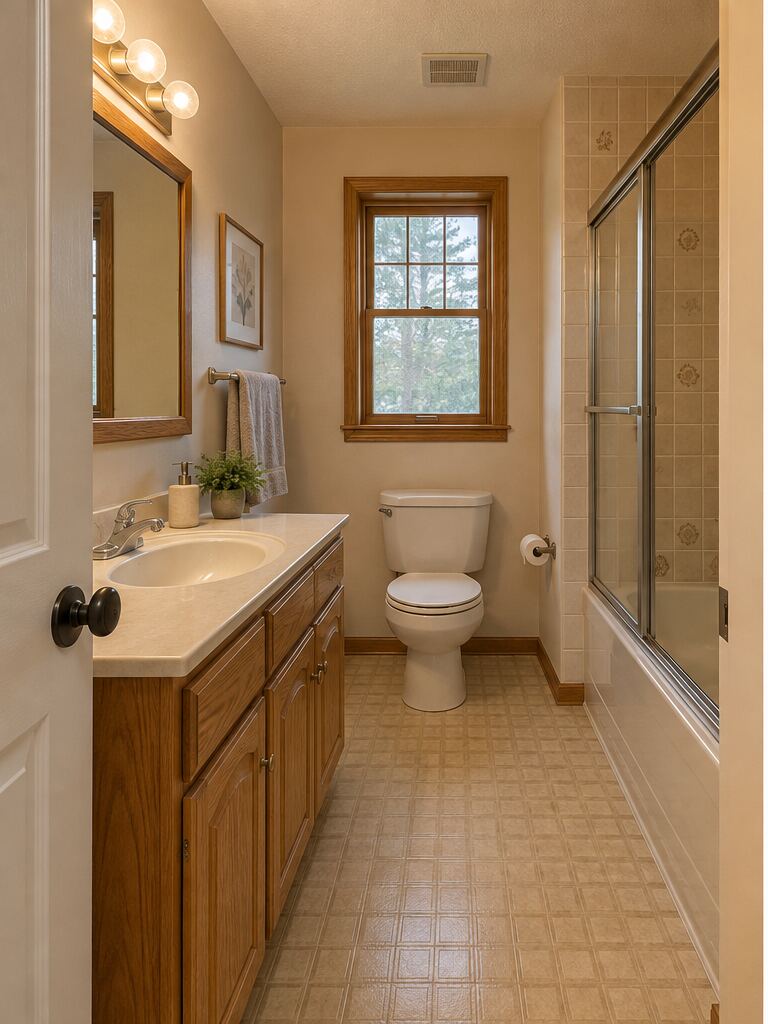 BeforeAfter
Preview new tile, a vanity, fixtures and paint.
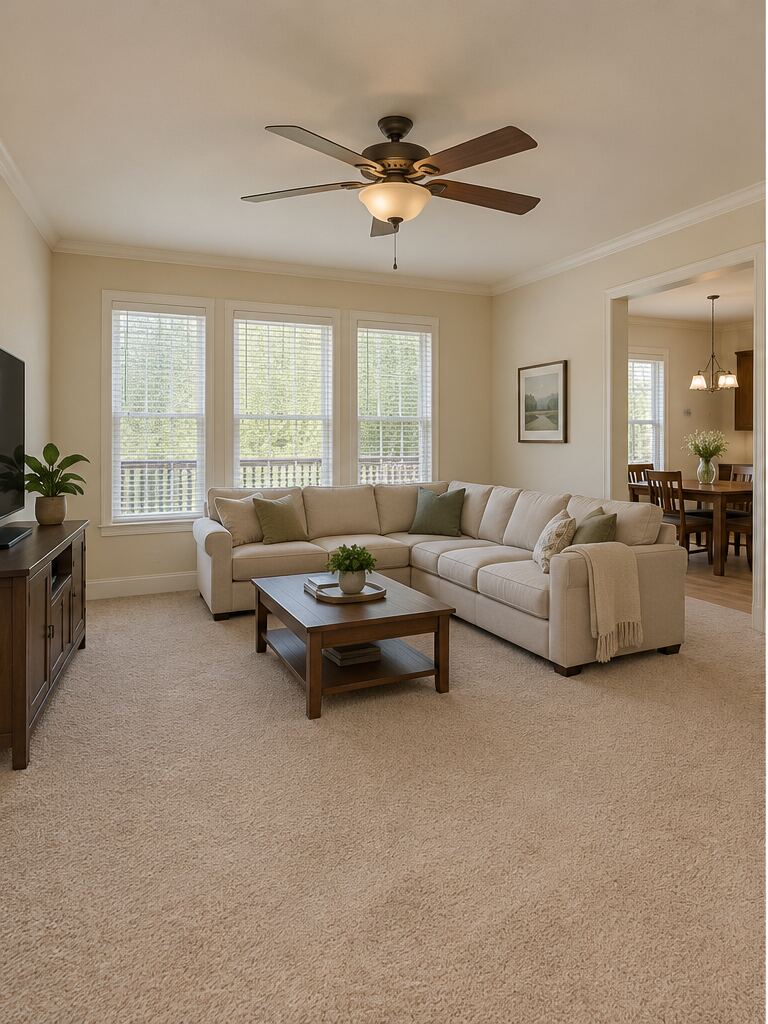 BeforeAfter
See how a different floor changes the feel of a familiar room.
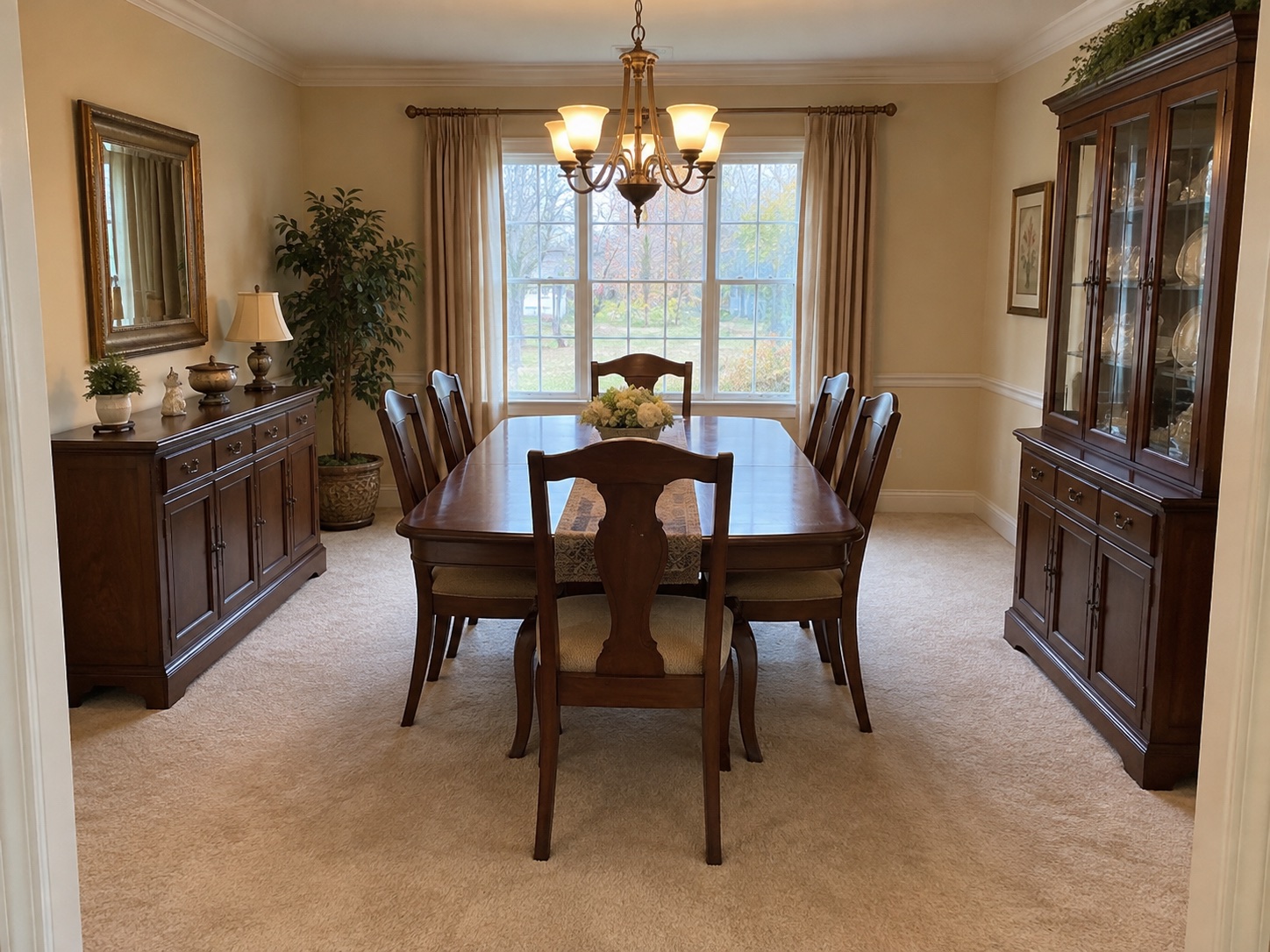 BeforeAfter
Explore brighter finishes, warm wood floors and a refreshed dining space.
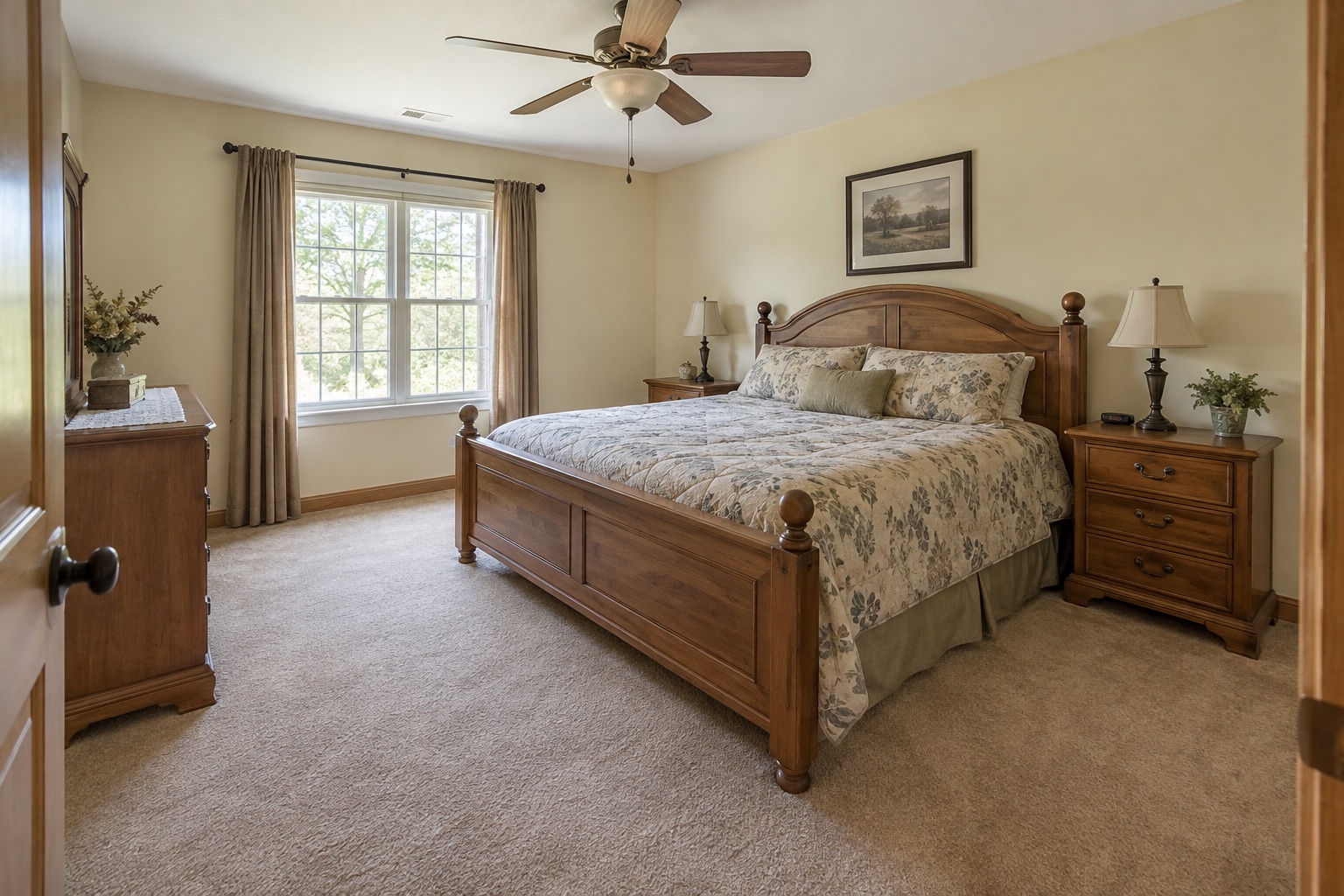 BeforeAfter
Preview a calmer bedroom with updated flooring, finishes and furnishings.
Yes. Upload a room photo and try one design preview. Create a free account to save it and keep refining your room.
Explore floors, walls, ceilings, lighting, kitchens and bathrooms, or describe a change in your own words.
Your photo is processed with AI to identify the room and generate a preview. If you create an account, your room photo and designs are saved to it.
No. It is a visual idea for your space. You can request a contractor reviewed estimate after exploring designs.